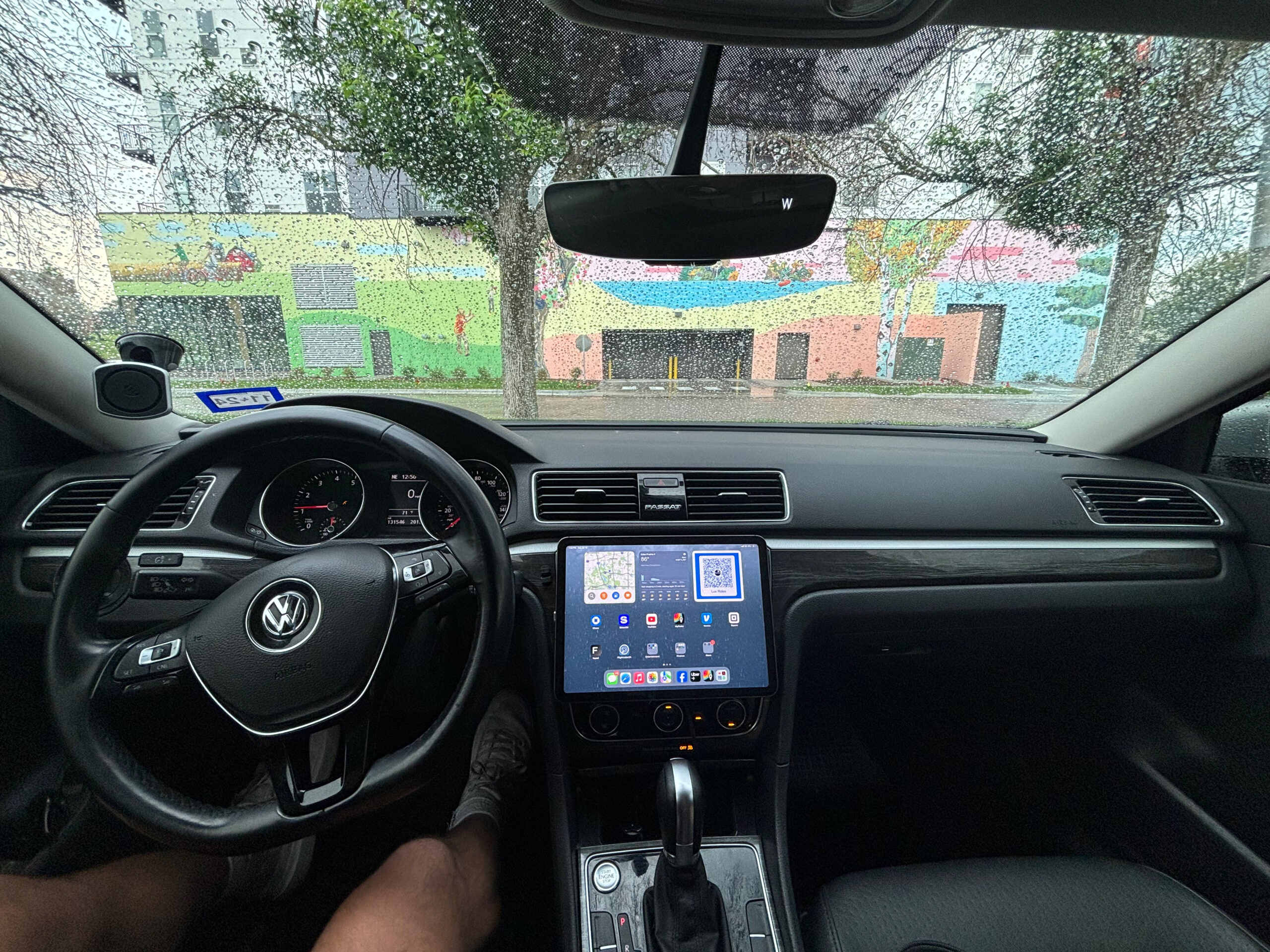
If you’ve ever wished your car had Apple CarPlay but don’t want to spend thousands on a new head unit or aftermarket system, this guide is for you. I’ll show you exactly how I turned my iPad into a full CarPlay-style setup — perfect for Uber, Lyft, or anyone who spends serious time behind the wheel.
🎥 Watch the full tutorial here: https://youtu.be/FRXa_T88-YQ
What You’ll Need
Here’s your quick gear checklist:
- iPad or any other tablet – Any model running iOS 15 or newer works great.
- Sturdy mount – Magnetic dash or cup-holder mounts are ideal.
- 12V USB charger – Keeps your iPad powered during long drives.
- (Optional) Data plan or hotspot – For real-time maps and streaming.
Pro Tip: Use a short braided USB-C cable and a low-profile charger for a clean, professional look.
🛠️ Recommended Gear (affiliate links):
| Item | Description | Link |
|---|---|---|
| Magnetic iPad Mount | Holds strong even on bumpy roads. | Amazon Affiliate Link |
| USB-C Hidden iPad Charger | Fast-charges your iPad and phone simultaneously. | Amazon Affiliate Link |
| Replacement Magnetic | Keeps your setup clean and clutter-free. | Amazon Affiliate Link |
Why Use an iPad for CarPlay?
Let’s be real — most factory infotainment systems feel outdated compared to an iPad. Here’s why this setup rocks:
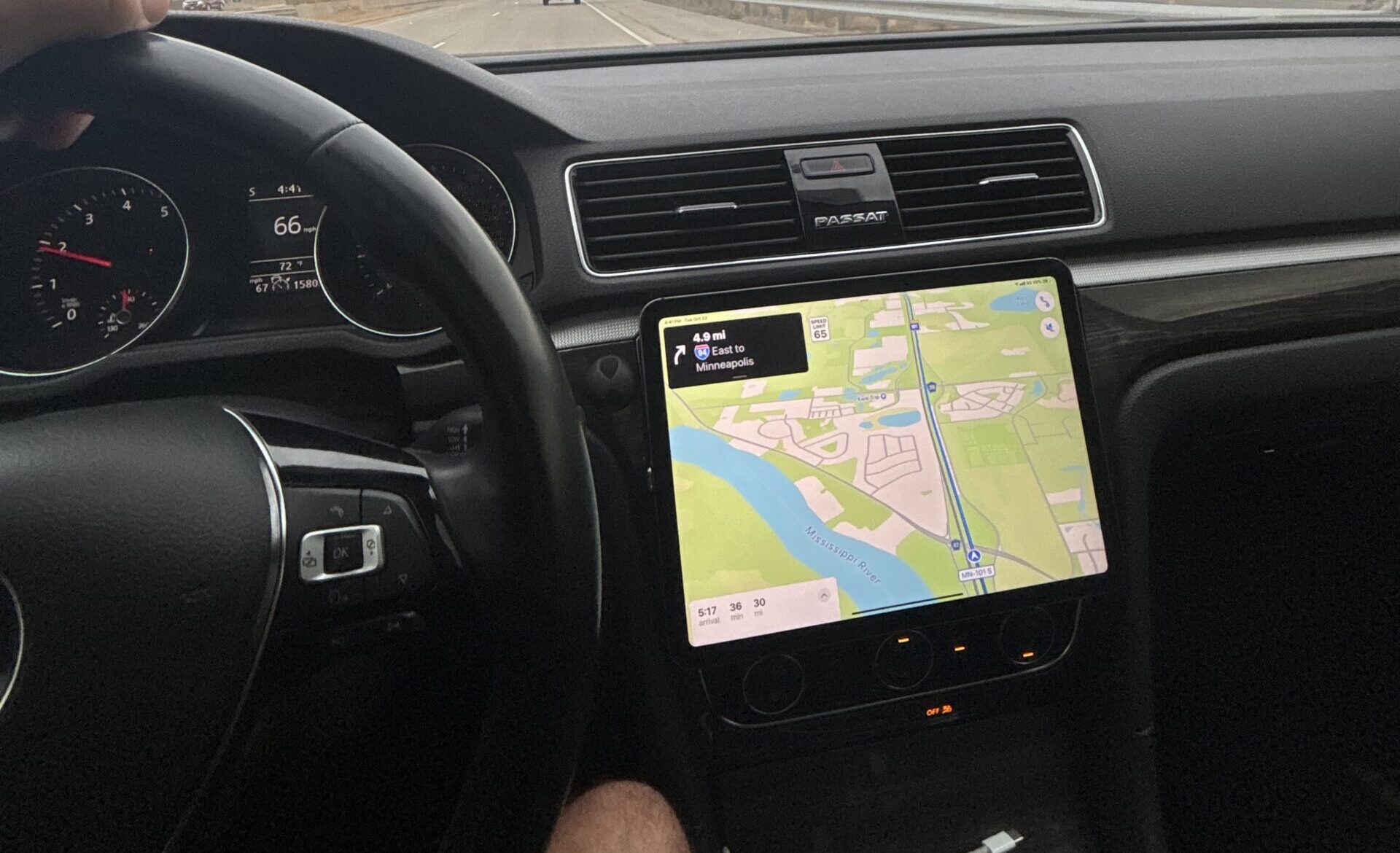
- 🧭 Bigger screen: Navigation looks incredible on Apple Maps or Google Maps.
- 🎶 Better apps: Stream Spotify, YouTube Music, or your favorite podcasts directly.
- 🔋 Flexibility: Pop the iPad out when you park or move it between vehicles.
- 💸 Budget-friendly: Skip the expensive stereo upgrade — this works in almost any car.
If you’re a rideshare driver, this setup adds functionality and gives passengers something to talk about. Trust me, they’ll notice!
Step 1: Mount the iPad Securely
Position the mount where it won’t block your vents or visibility. The best spot is usually the center dash or just above the cup holders. Tighten the mount securely — you’ll be tapping the screen often.
Step 2: Connect Audio
If your car has Bluetooth, pair your iPad under Settings → Bluetooth. Otherwise, use the AUX input for a wired connection.
Once connected, open your favorite app — Spotify, YouTube Music, or Apple Music — and test your audio.
Step 3: Set Up CarPlay-Style Apps
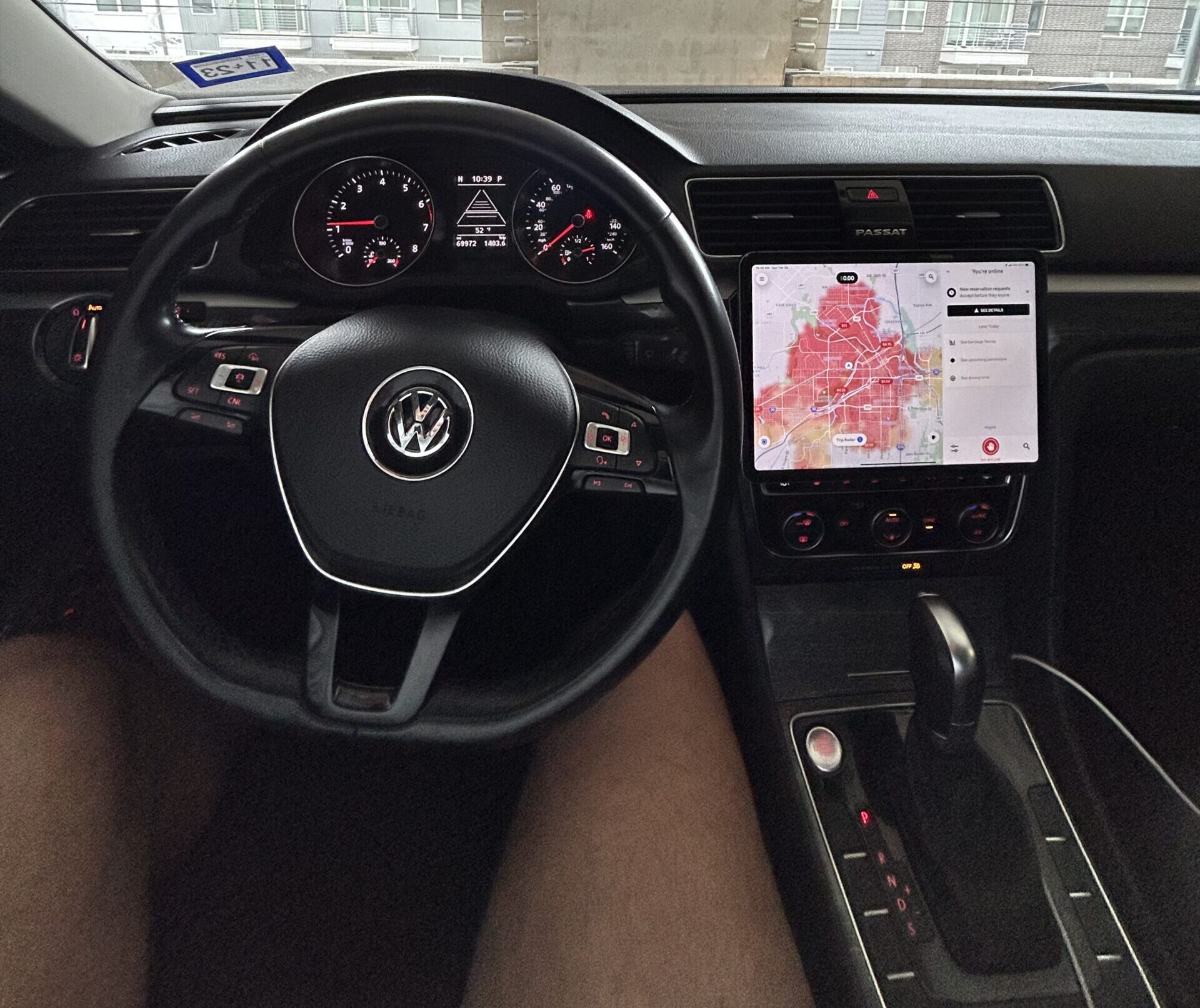
While the iPad doesn’t technically run Apple CarPlay, you can easily mimic the look and feel. Here’s how:
- Place your navigation apps (Apple Maps, Waze, Google Maps) on the dock.
- Add music, phone, and messaging apps beside them for quick access.
- Enable “Hey Siri” for voice control via Settings → Siri & Search.
Step 4: Optimize for Driving
A few small settings can make a big difference:
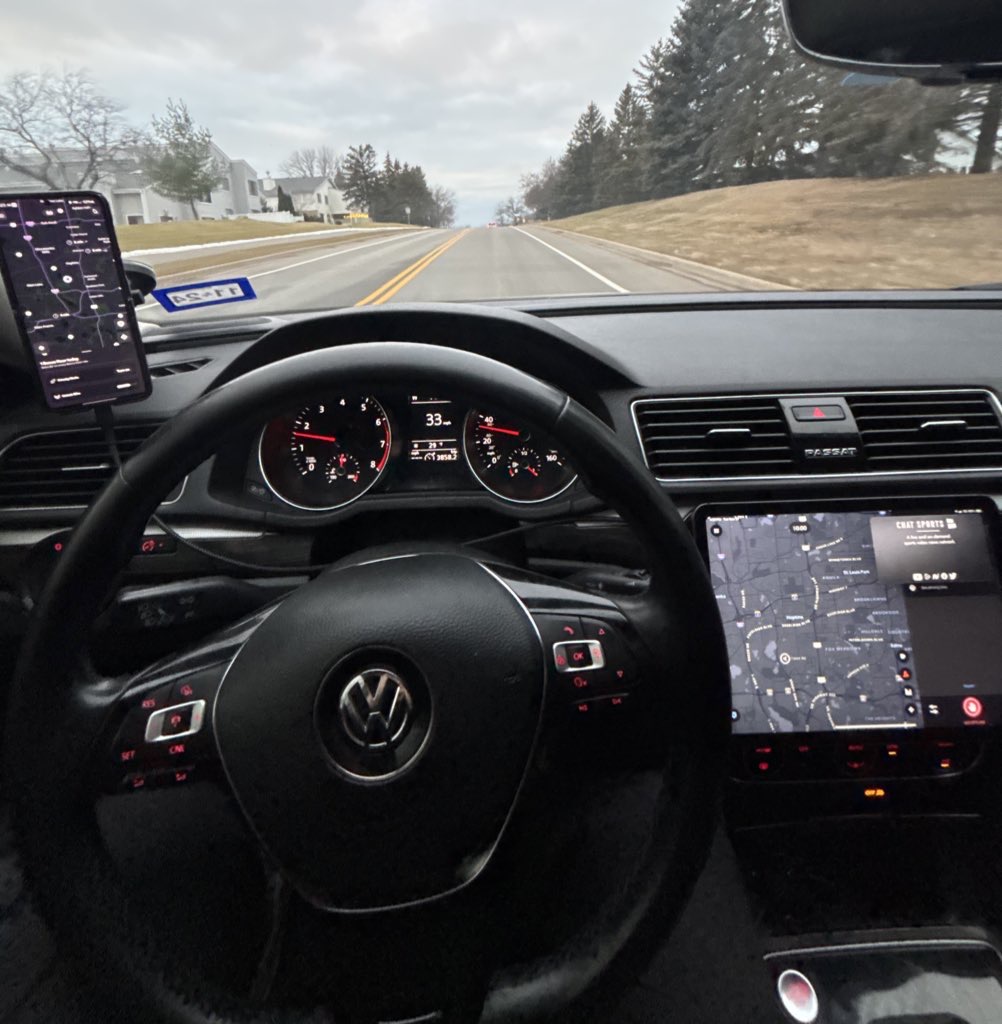
- Activate Do Not Disturb While Driving to stay focused.
- Set Auto-Lock = Never while charging so your screen stays on.
- Switch to Dark Mode for night driving comfort.
Bonus: if you film rideshare content, this setup looks clean and modern on camera!
Step 5: Enjoy the Ride
That’s it! You now have a full-size CarPlay-style setup without breaking the bank. Open your maps, start your playlist, and hit the road.
🚗 If you’re an Uber or Lyft driver, this upgrade adds functionality and style — your passengers will love it.
Final Thoughts
Installing an iPad in your car is one of the easiest ways to modernize your driving experience. It’s clean, powerful, and works with almost any vehicle.
Whether you’re a rideshare driver looking for smoother navigation or just want a smart dashboard, this setup makes your car feel brand new.
👉 Watch the full video tutorial here:
Smart Rideshare – How to Install iPad CarPlay
Support the Channel
Using the affiliate links above helps support the Smart Rideshare channel at no extra cost to you. Thanks for being part of the community — and don’t forget to subscribe for more rideshare hacks and car tech upgrades!
If you want:
- ✅ Honest reviews of rideshare gadgets and tech
- 💸 Real strategies to boost your weekly earnings
- 🎬 Behind-the-wheel videos and tutorials
👉 Subscribe on YouTube: Smart Rideshare
and join thousands of drivers learning how to work smarter — not harder